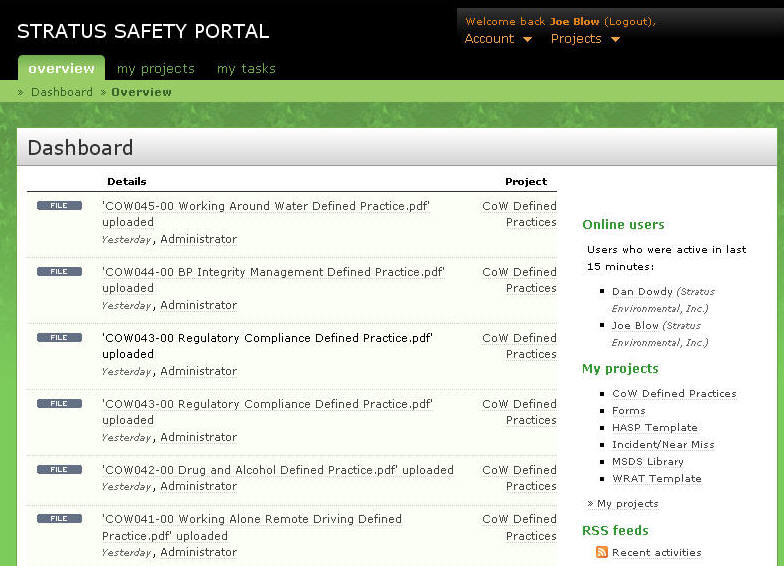
First login with your current user account and password to get to the dashboard.
There are two options here, the top tab labeled "my projects", or on the right is the list of the projects you can view. By clicking the top tab you will see something like this.
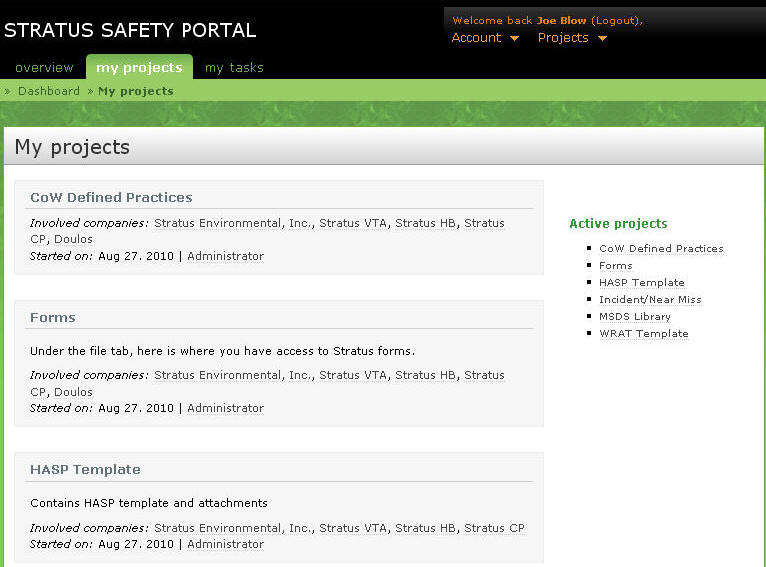
For this example, we will look for a defined practice. Click CoW Defined Practices at the top, or on the right. This brings you to the overview page showing recent activity with the practices folder.
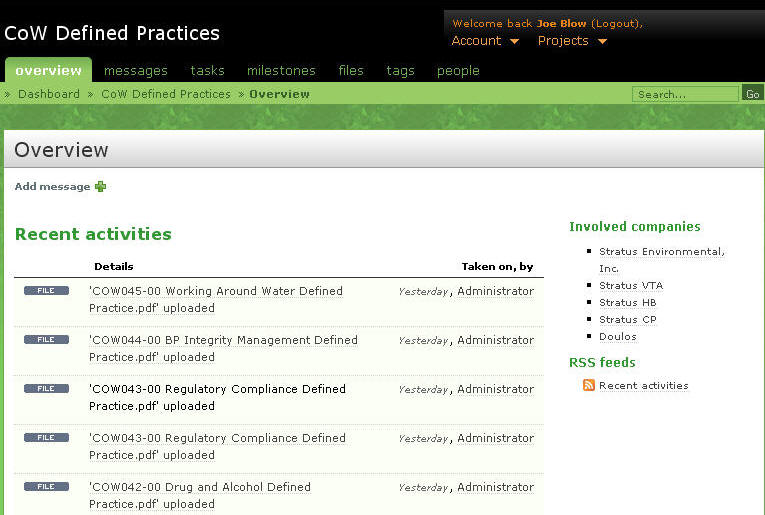
Click on the files tab at the top.
Here is the list of practices and the file links.
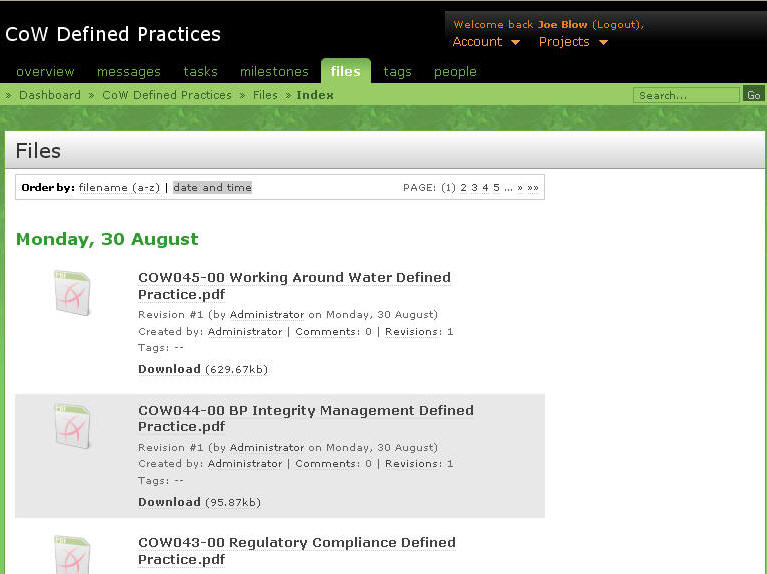
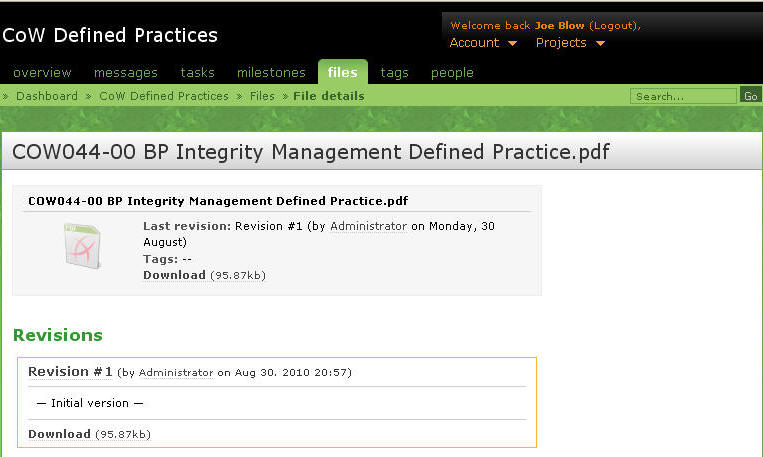
Click on the name of the practice you want, for example COW044 - Integrity Management
The most current file is listed at the top with a download link. Earlier versions are listed but should never be used for guidance.
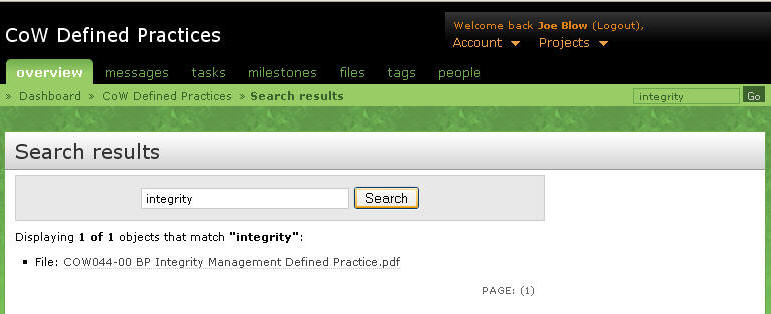
Alternatively, you can attempt a search with the Search button at the top right of the screen. A search for "integrity lists the defined practice and gives you a link.